The Format Text Node
Utilize the Format Text node to integrate custom data into your text elements.
TezenariUpdated 3 years ago|
Blueprints
Variables
Utilize the Format Text node to integrate custom data into your text elements.
When needing to display property information in text elements for UI or for debugging using the Visual Debugger or Print Text, the Format Text node is the go-to solution.
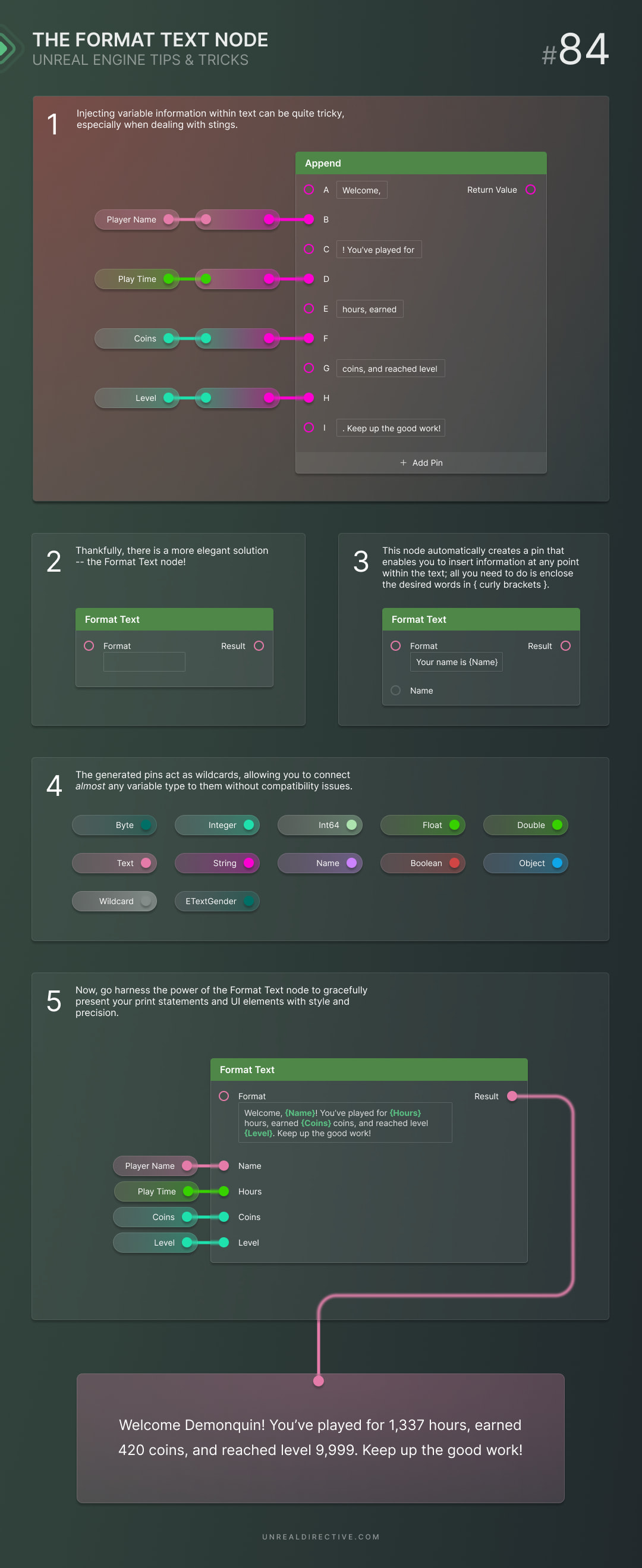
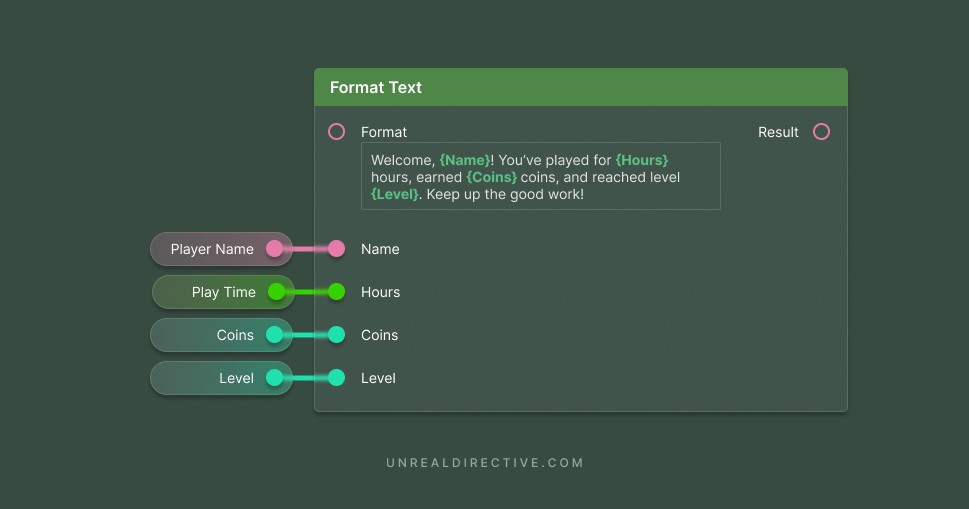
For each word wrapped in curly brackets , a new dynamic input is added to the Format Text node. This allows you to add any type of information anywhere you need within a text statement.
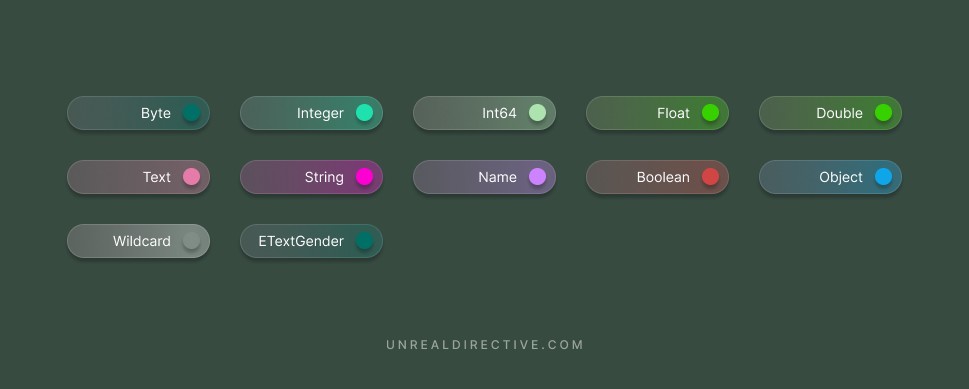
The Format Text node support 12 different variable types —
When it comes to Object variable types, it will use the Objects display name that you would see in the outliner.
Do note that this only includes “single” variables, not arrays, sets, or maps.